The One Ring
Another clear night, another perfect equatorial alignment, and another hard target — this time because it’s so small:
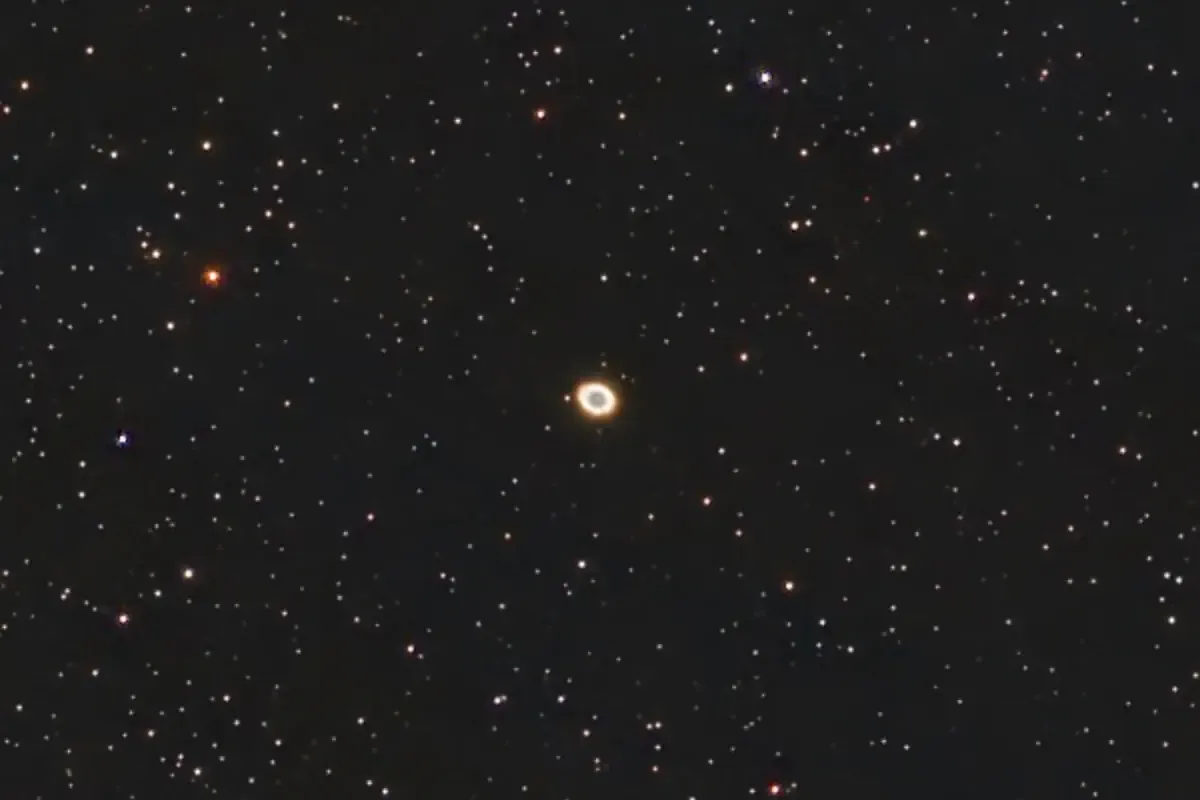
Click for bigger. This is M57, the Ring Nebula in Lyra, a constellation becoming more visible as summer approaches. It’s a planetary nebula, formed when a star heading towards the end of its life throws off some of its atmosphere prior to becoming a white dwarf. The image has been lightly processed in PhotoDesk, and has been x2 enlarged. 110 shots with two failures (satellites), 30-second exposures, gain 60 and Duo-Band filter.
And to take advantage of the clear sky, here’s another go at Bode’s Galaxy:
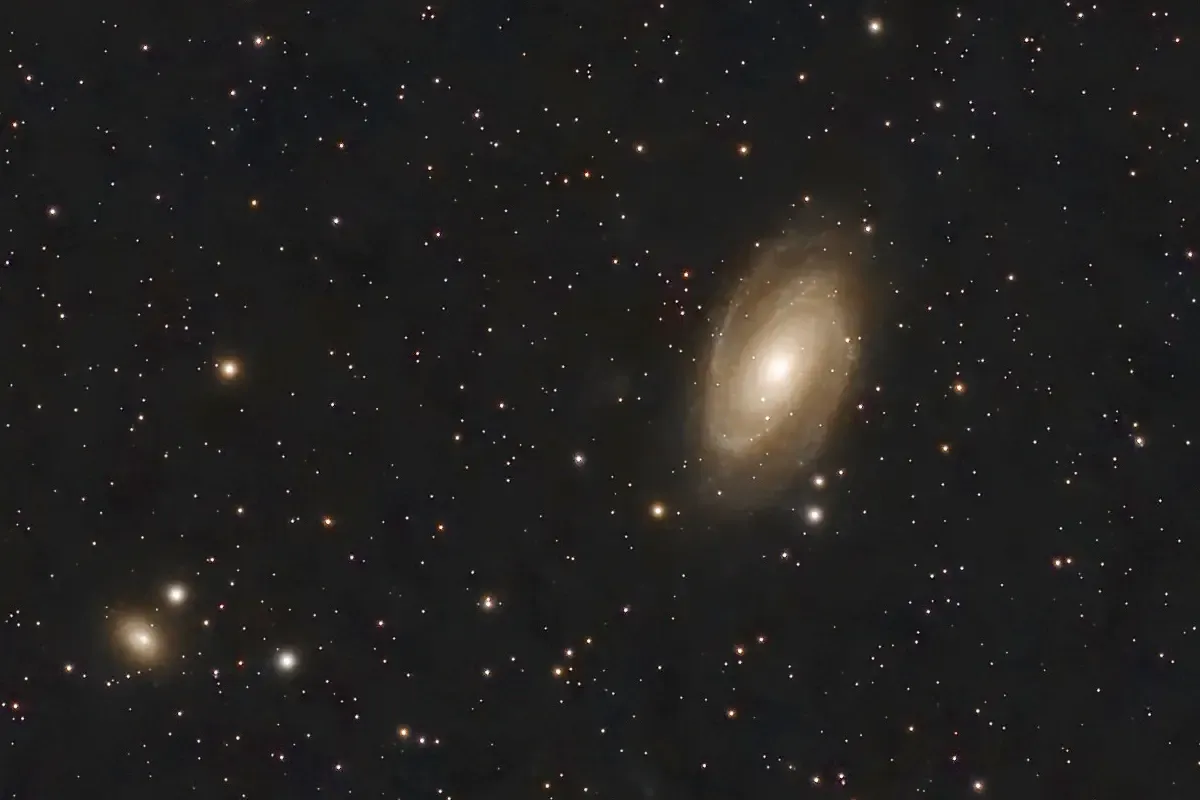
145 shots with one failure (satellite), 60-second exposures, gain 60 and Astro filter.
Hard Targets
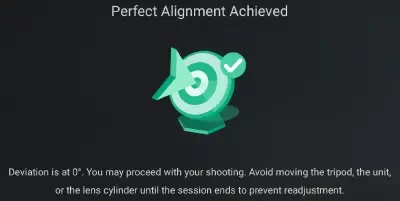
A crystal-clear night, and having set up a perfect equatorial alignment - it only took a single adjustment; I’m getting better at this - I decided to try for longer exposures on a few targets.
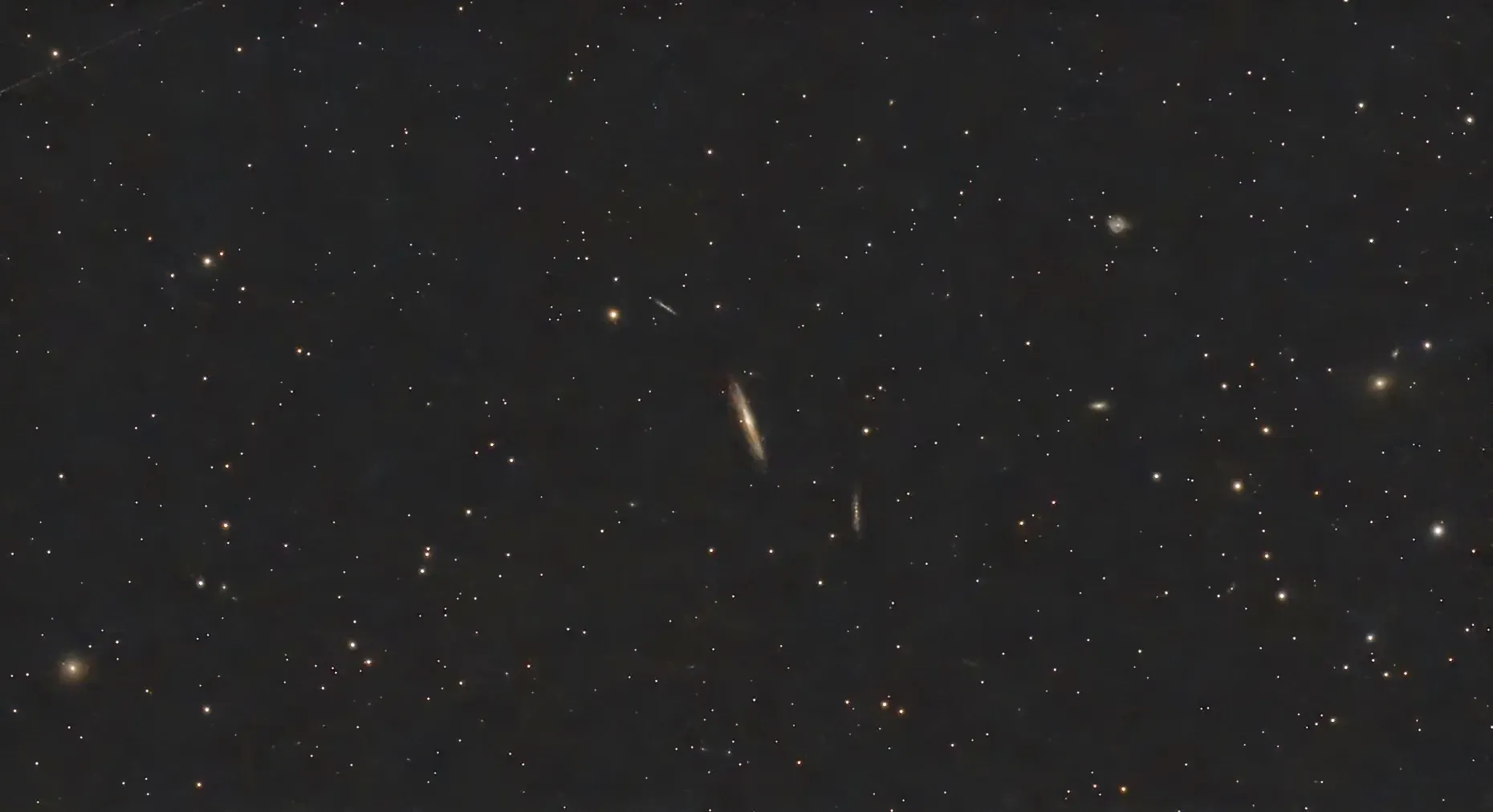
First I targeted NGC 4216, or the Silver Streak galaxy, an edge-on spiral in the Virgo cluster of galaxies. I took 71 shots, of which 5 were failures (Starlink satellites again). Exposures were 60 seconds, with gain 60 and the Astro filter. It’s been post-processed lightly in PhotoDesk, with a small equalisation and gamma adjustment.
Click for much-enlarged view; the target galaxy is in the centre. Various other galaxies are visible here, including NGC 4267 at lower left, NGC 4222 and NGC 4206 above left and below right of the target, and NGCs 4189, 4193 and 4168 on the right. Plus others.
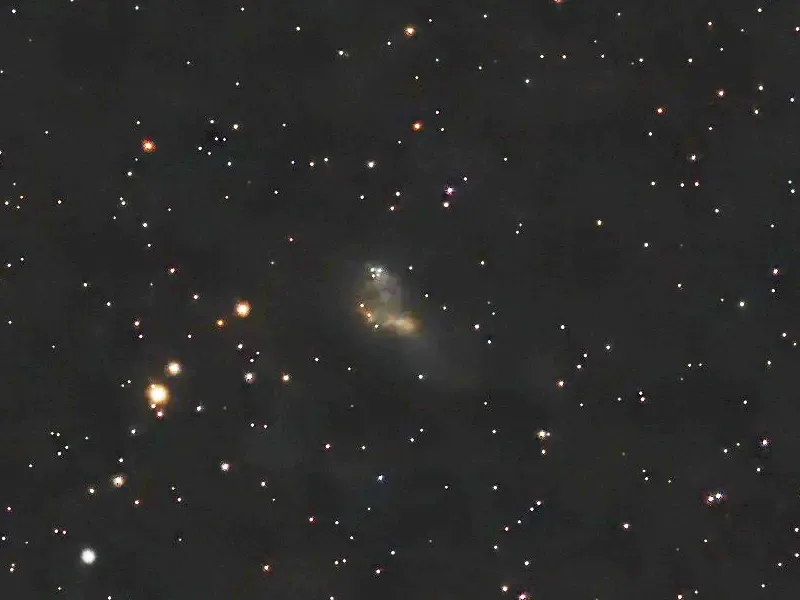
Using long exposures (over a minute) really needs an excellent alignment, so I tried 2-minute exposures on a really hard target: Coddington’s Nebula in Ursa Major. Misnamed, as it’s actually a galaxy thought to contain a lot of dark matter. This is 37 shots with no failures - too late for Starlinks, hah - with 120-second exposures, gain 80 and the Duo-Band filter. The ‘nebula’ is actually pretty faint and barely shows on the original image, but some quite aggressive post-processing in PhotoDesk (gamma, equalisation and balance) has brought it out.
A Comet!
[Updated 14 April 2026]
Another clear night, and another go at C/2025 R3 (PanSTARRS). Started earlier this time, and managed more shots and a slightly higher gain:
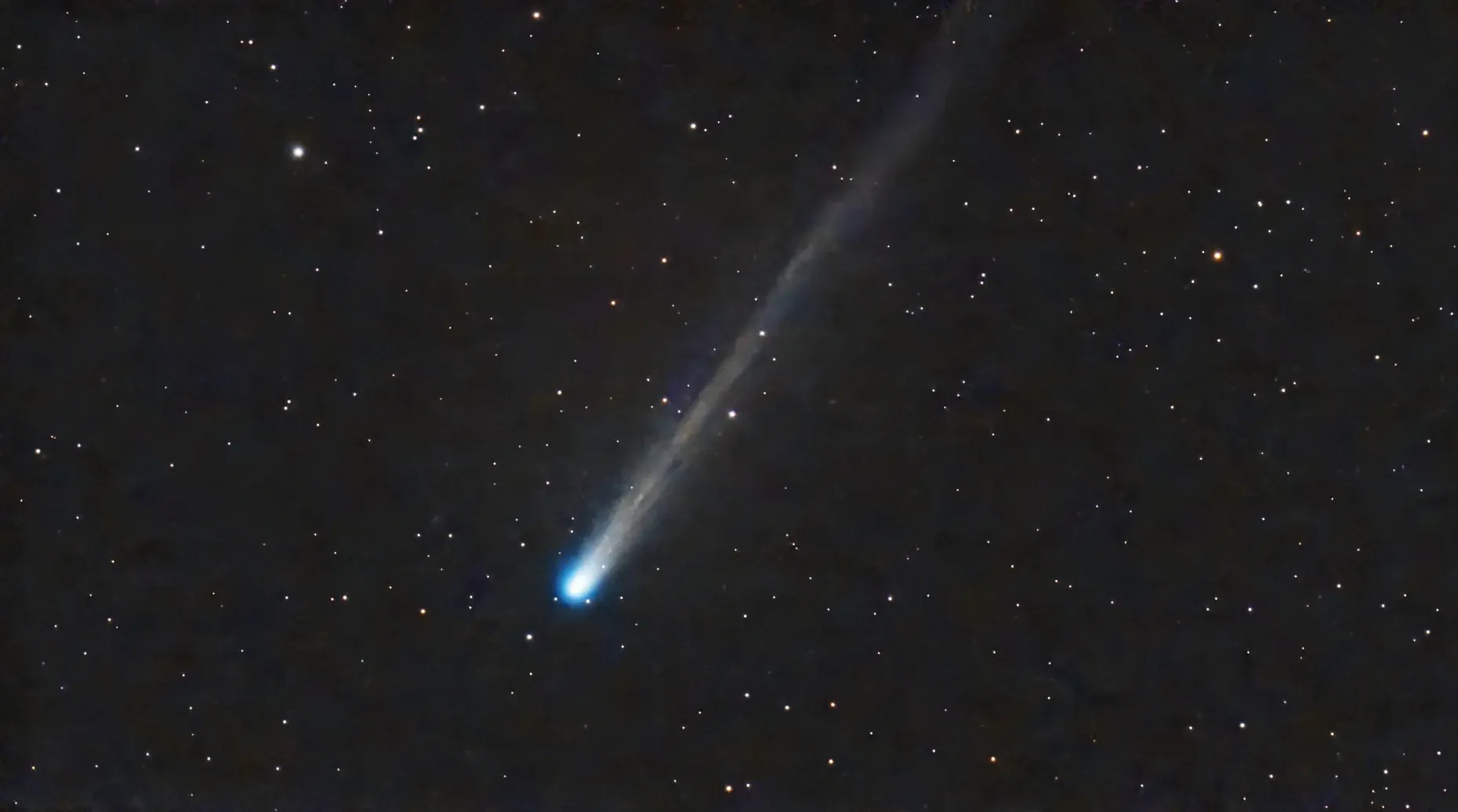
This was 60 15-second photos at gain 70. Gamma and equalisation in PhotoDesk. I centred the shoot on a star slightly above the comet, to get more of the tail in.
Comets are fairly fast-moving things, especially when near the sun, and a current limitation of the Dwarf Mini is that it tracks the stars, not the comet. You can see there’s a slight elongation of the comet’s head here, as it’s moved slightly over the course of the exposures.
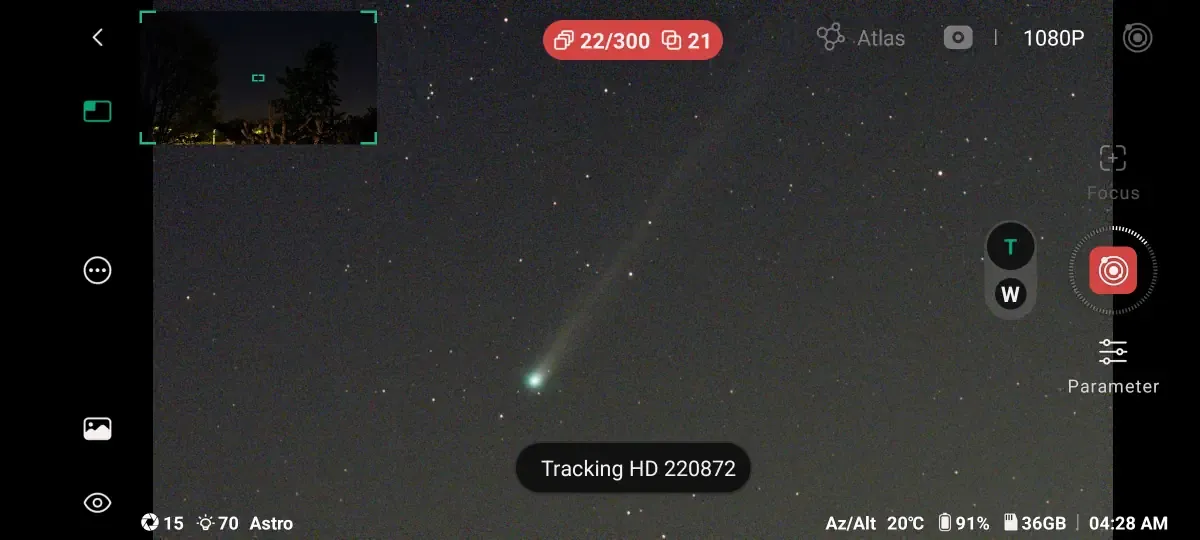
Here’s a screenshot of the in-progress shoot, showing the location between the trees:
[Original post:]
Comets are tricky things to image. They’re brightest when they’re closest to the sun, which means they’re low in the sky and best visible around sunset or sunrise.
There’s a comet around now with the rather unexciting name of C/2025 R3 (PanSTARRS). There’s a naming convention here: the “C” denotes a non-periodic comet (meaning it’s unlikely to return); “2025 R3” gives the year and half-month when it was first observed (so “R”, the 18th letter, is the first half of September, the 9th month) and it’s the third comet discovered in that period; and “(PanSTARRS)” is who or what discovered it, in this case the automated sky survey system Pan-STARRS in Hawaii.
As of today, 13 April 2026, it’s low in the eastern sky before sunrise. We’re surrounded by houses and trees here, but looking at the comet in Stellarium it looked like it might be observable from an upstairs window between a fortuitous gap in the trees, at around 5am.
And indeed it was!
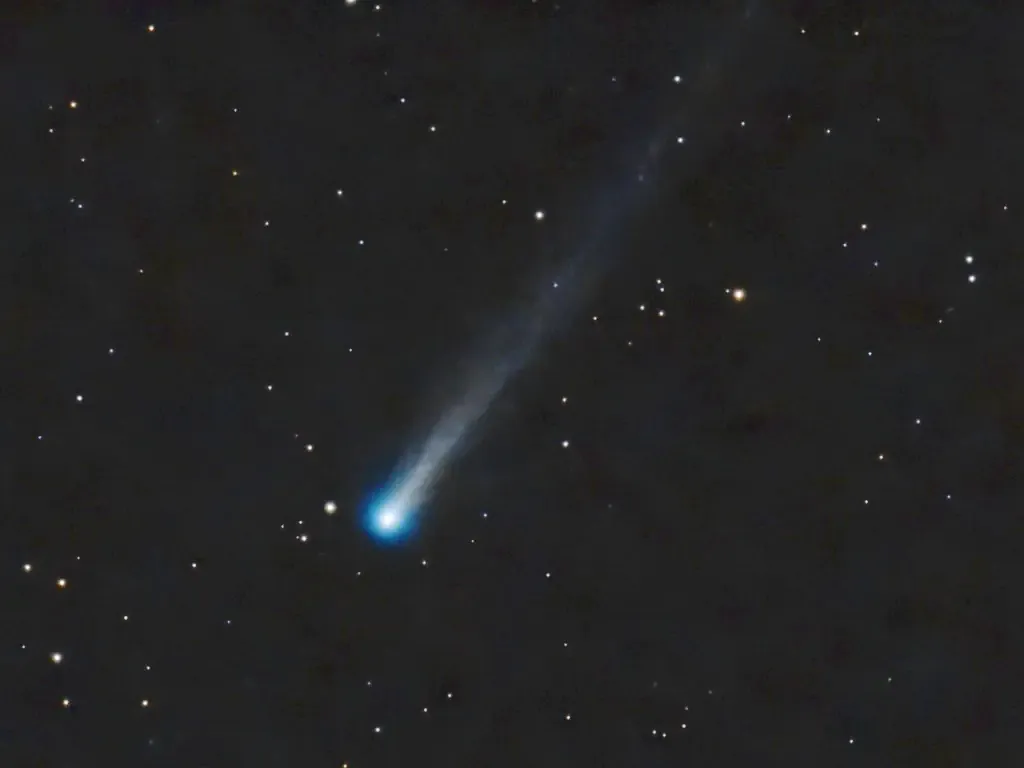
This was 25 15-second shots at gain 60, with two failures: one satellite, and one tracking problem, unsurprising given the comet’s altitude (about 10°) and proximity of dawn. It would have been better to take a lot more shots with longer exposures, but the sky was inexorably lightening as the dawn approached.
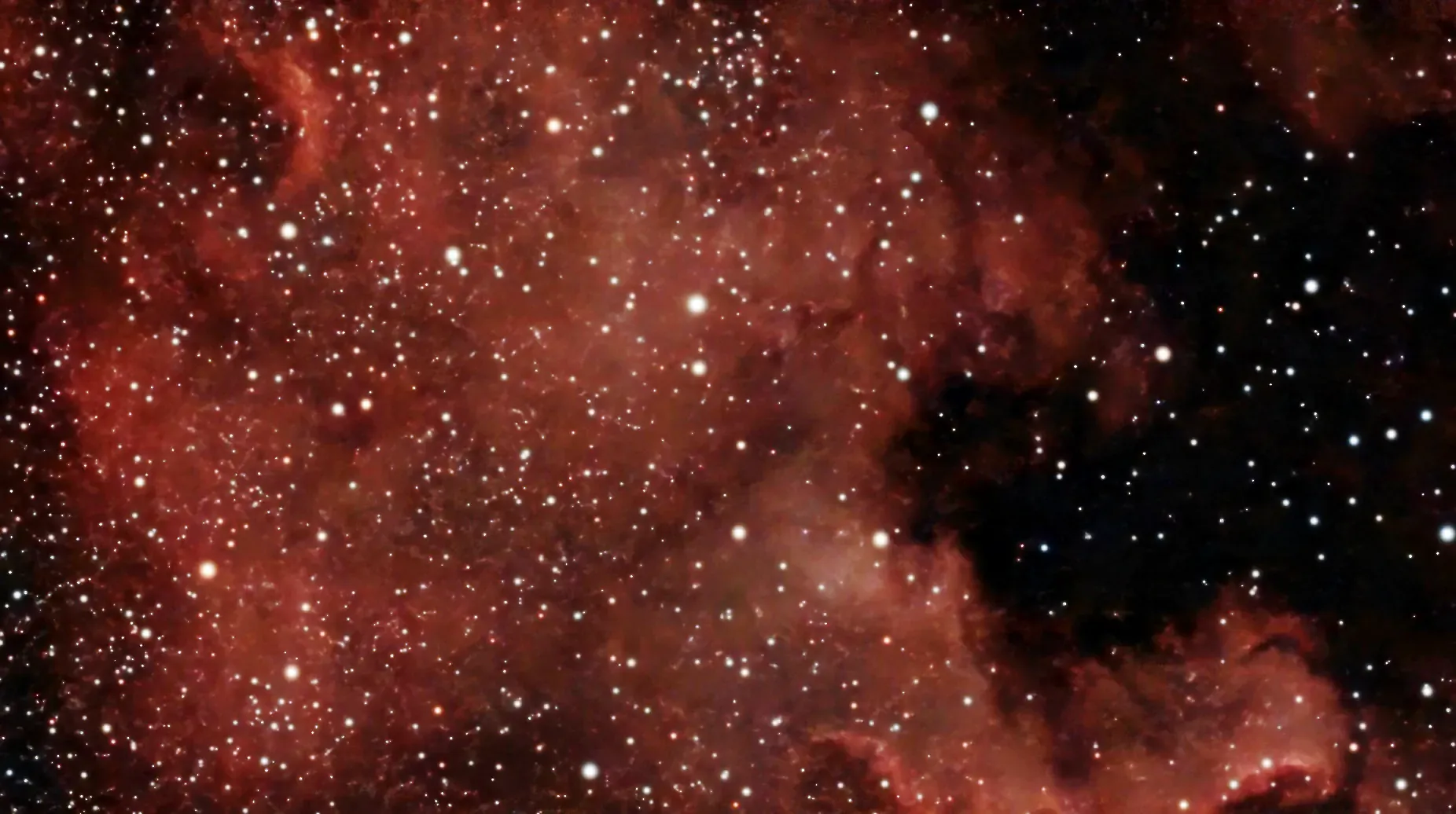
The alarm was set for 4am, and while waiting for the comet to rise I tested out the Mini by imaging the North American nebula, as below (or part of it — the bit here is Florida and the Gulf of Trump America Mexico; rotate it 90° clockwise and you can see the vague resemblance). It was fortunate I did this, as the focus was clearly off somewhat. Still, a preview of what will be available in the summer months at more sensible times.
Starlink Annoyances
A few nights ago I took some more images of Markarian’s Chain, and while it wasn’t a great session (clouds), I did learn something about when to observe.
I took 210 photos with 30-second exposures, and the Mini rejected 14 of them — all due to satellites, mostly Starlinks I think.
Here’s a quick manual stack of the rejected frames:
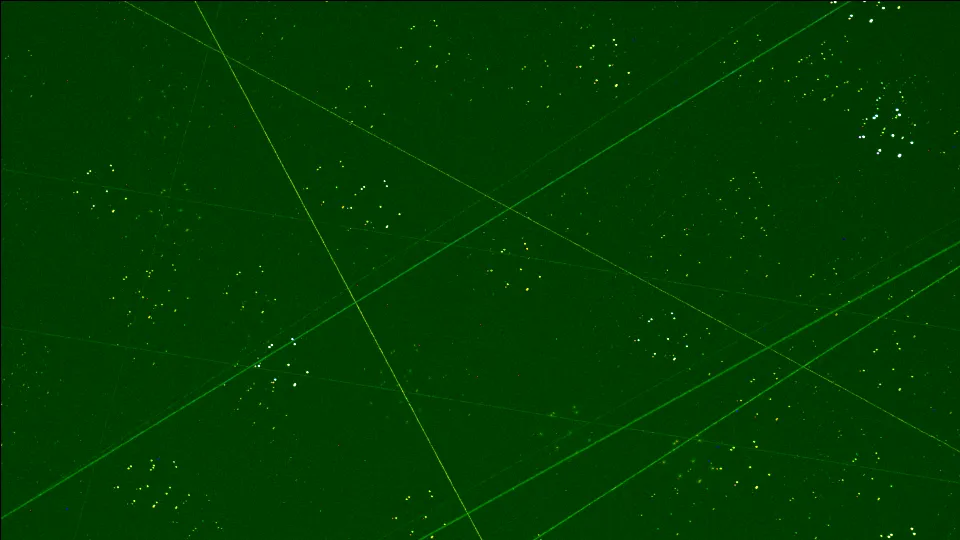
They haven’t been demosaiced or aligned (hence the green tint); I just wanted to see the satellite tracks, all in a pretty small area of the sky.
What I learned was this: sessions should start as late as possible. I started imaging at 9:10pm, and finished at 23:12. All the failures happened before 22:22pm, by which time the sun had moved far enough below the horizon that the satellites weren’t illuminated any more — all those Starlinks are in low orbit.
Unfortunately, that means that in the summer (shorter nights) we’ll get many more trails. :-(
The Whirlpool again, and Markarian’s Chain
Last night was meant to be clear, but it started off with some cloud which then cleared until about midnight, when it hazed over again. So counts were limited. But here’s a Megastack of M51, the Whirlpool galaxy:
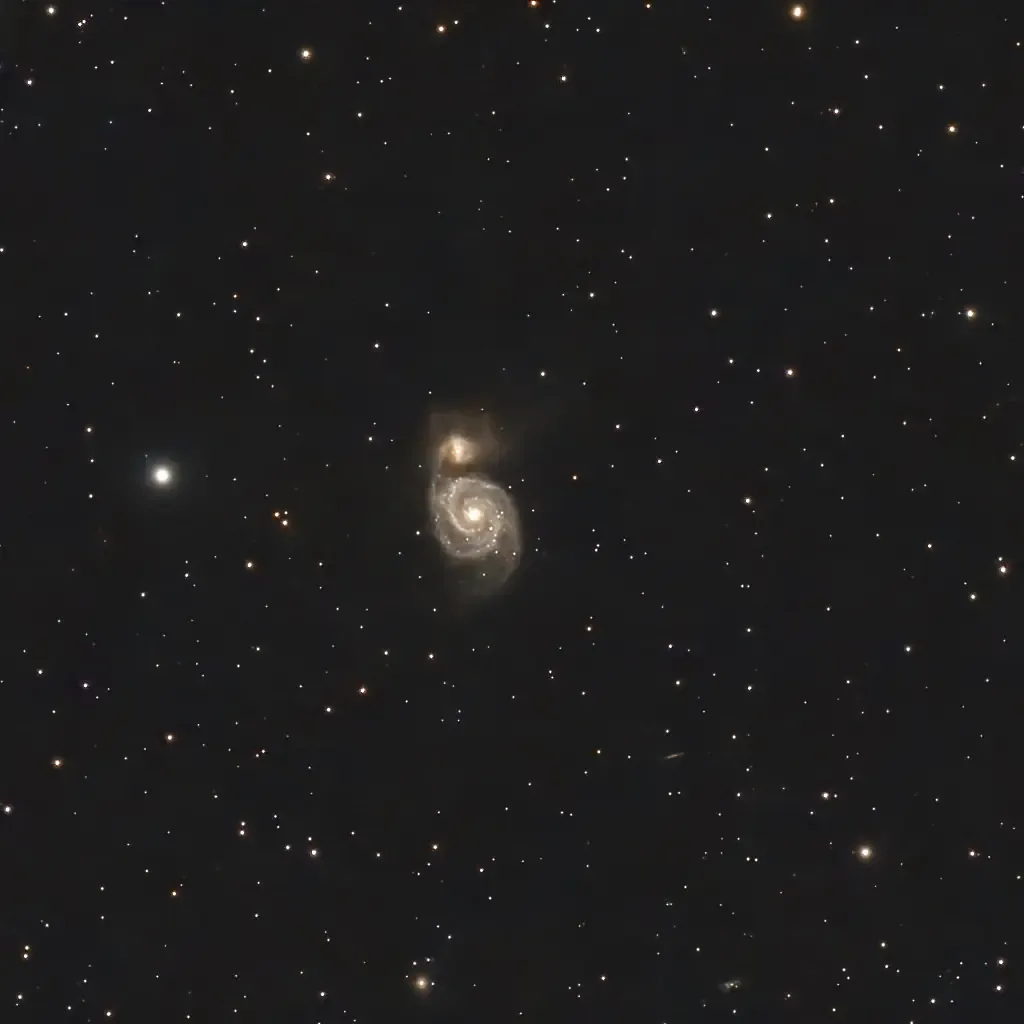
250 images taken over two nights, all 60 second exposures; 200 with gain 60, 50 with gain 100 (which was a mistake — high gain values are noisier). Compare with my first effort.
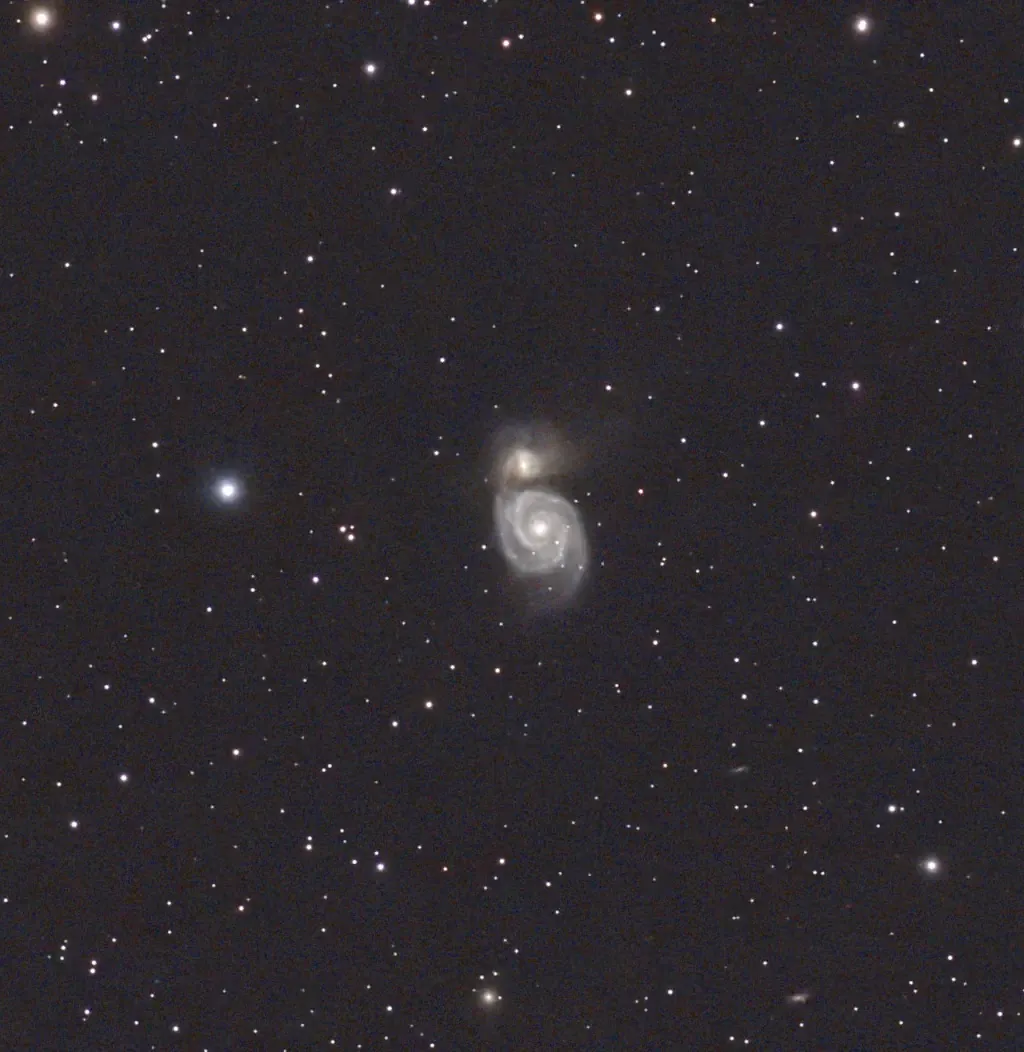
And this is Markarian’s Chain, a linked series of galaxies in the Virgo area, part of the major cluster which includes our own galaxy:
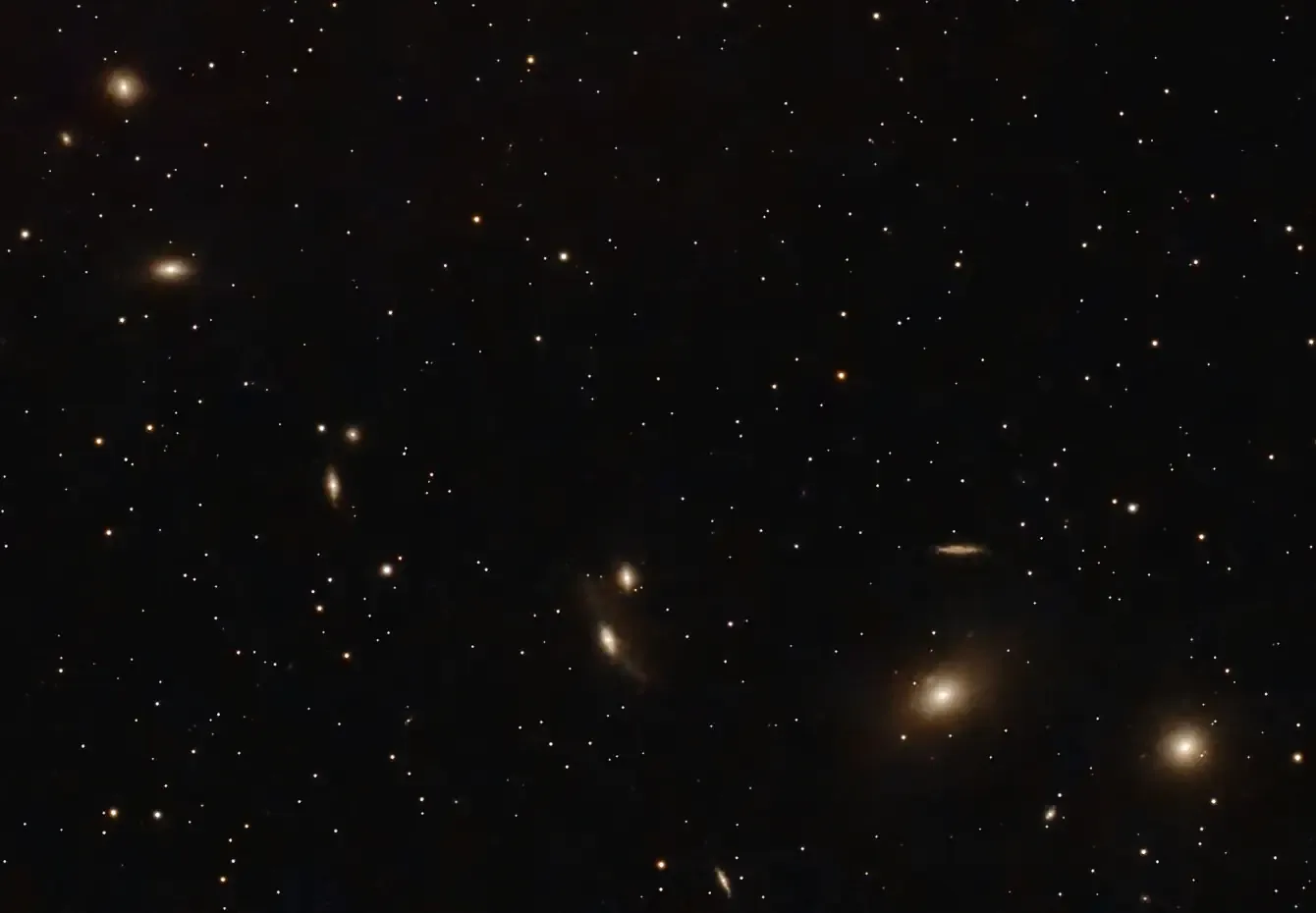
100 60-second exposures, gain 80 (again, too high). As always, click for bigly. How many galaxies can you see?
M106
This is M106, aka NGC4258 — a galaxy with no nickname in Canes Venatici (”Hunting Dogs”). 140 one-minute exposures, gain 60; I was going for 200 but the clouds rolled in.
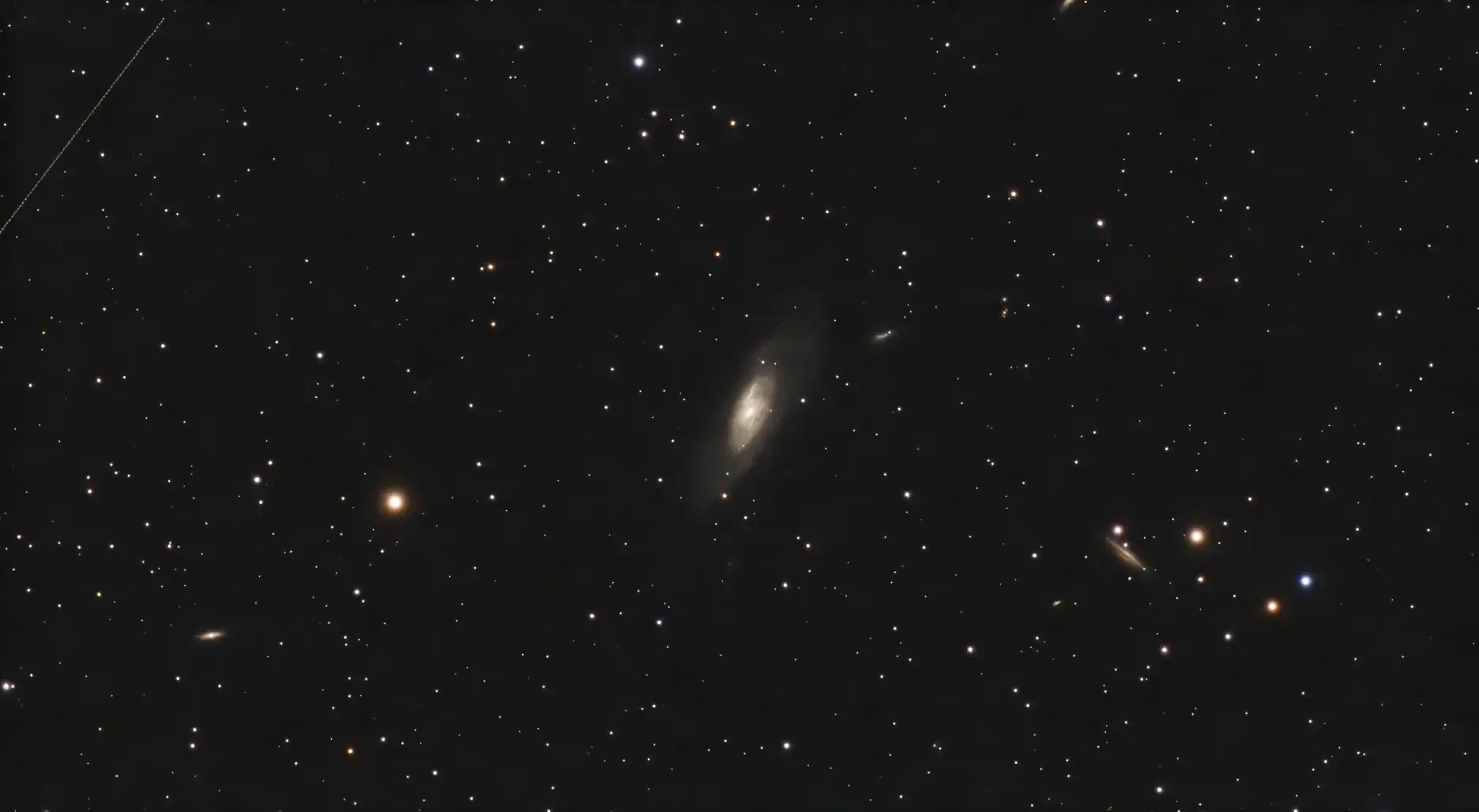
I also caught a satellite, at top left. Actually, examining it closely it’s probably a plane — it’s a series of dots, and satellites don’t usually flash like this.
And on the lower right is NGC4217, a spiral galaxy viewed edge-on. Click to view at full size, and you can see more galaxies.
ROCoding #4: ARM Wrestling
[Edit 2026-04-18: Fixed incorrect byte ordering of colour channels.]
It’s been 25 years — blimey! — since I did any serious ARM coding. The last was fixing some bugs in my Lisp interpreter in 2001, after which my Iyonix died and I moved over to Linux.
Back with RISC OS now, and in the intervening years the ARM processor has had some substantial changes. Originally it was the Acorn RISC Machine, of course, and it first appeared in the Acorn Archimedes computer in 1987. It was a genuine breakthrough at the time, a custom-designed (by Sophie Wilson et al) 32-bit processor running at 8MHz. I’m now using a 4té2, a repackaged Raspberry Pi 4b containing an ARM Cortex-A72, running at 1.8GHz — over 200 times faster.
And while the original ARM chips were indeed Reduced Instruction Set Computers, with only about 25 instructions1, these days it’s something of a misnomer. So what’s been added? SIMD and NEON, mostly. This article is a simple introduction to using some SIMD instructions; we’ll cover NEON2 later.
[Read more…]
First Megastack
It’s been a long wait, but we finally had some clear skies last night. And here’s a “Megastack” of M101, the Pinwheel galaxy. The Dwarf Mini can combine images taken over different observing sessions, at different times and dates. Here it’s a stack of 295 images taken over three nights — the Megastack processing takes a while, 50 minutes in this case:
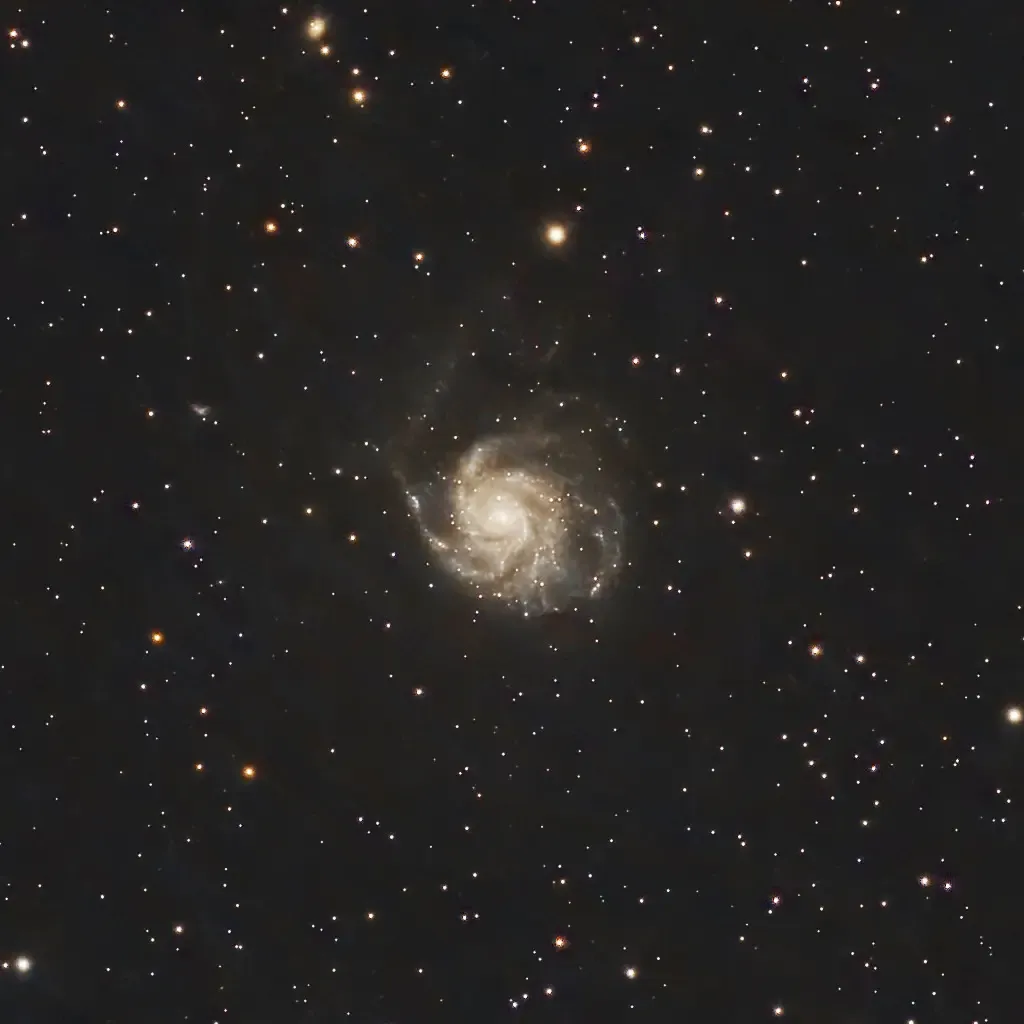
Some post-processing in PhotoDesk: gamma, equalisation and cropping. Compare with the image taken on March 18.
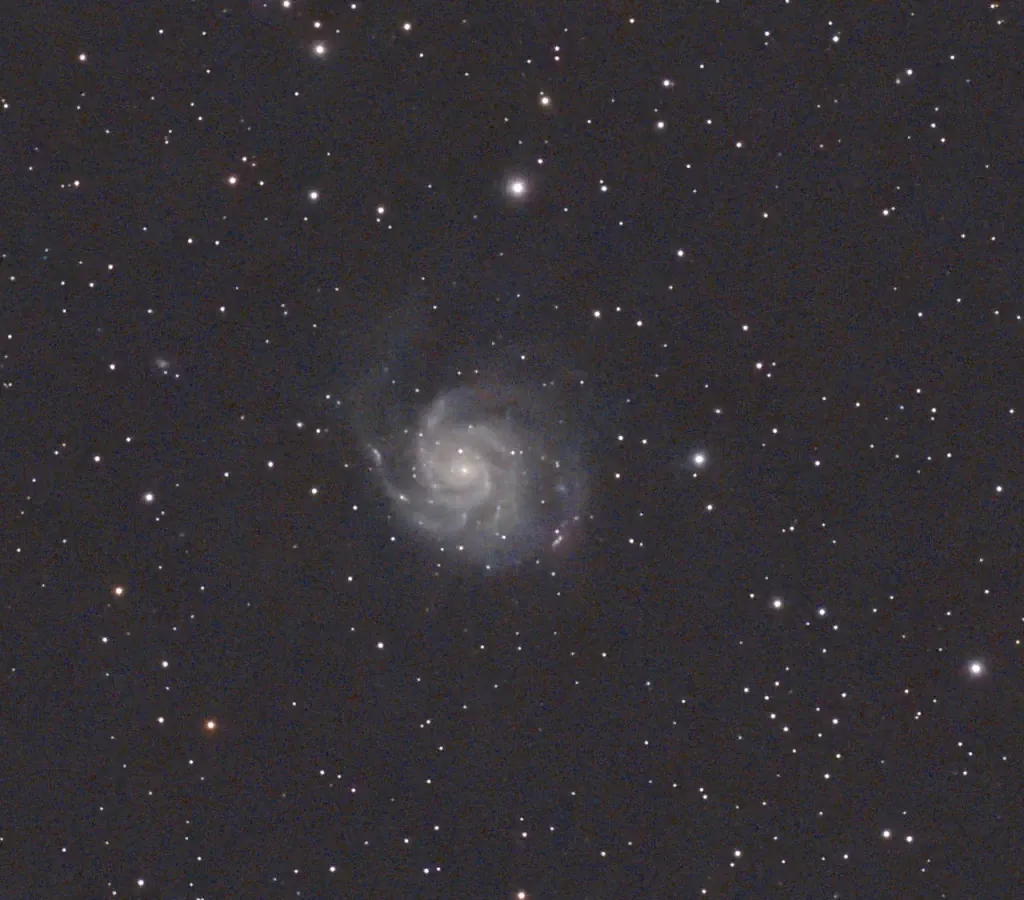
I also managed a not entirely successful shot of Bode’s galaxy, this time getting the Cigar galaxy, M82, in the shot:
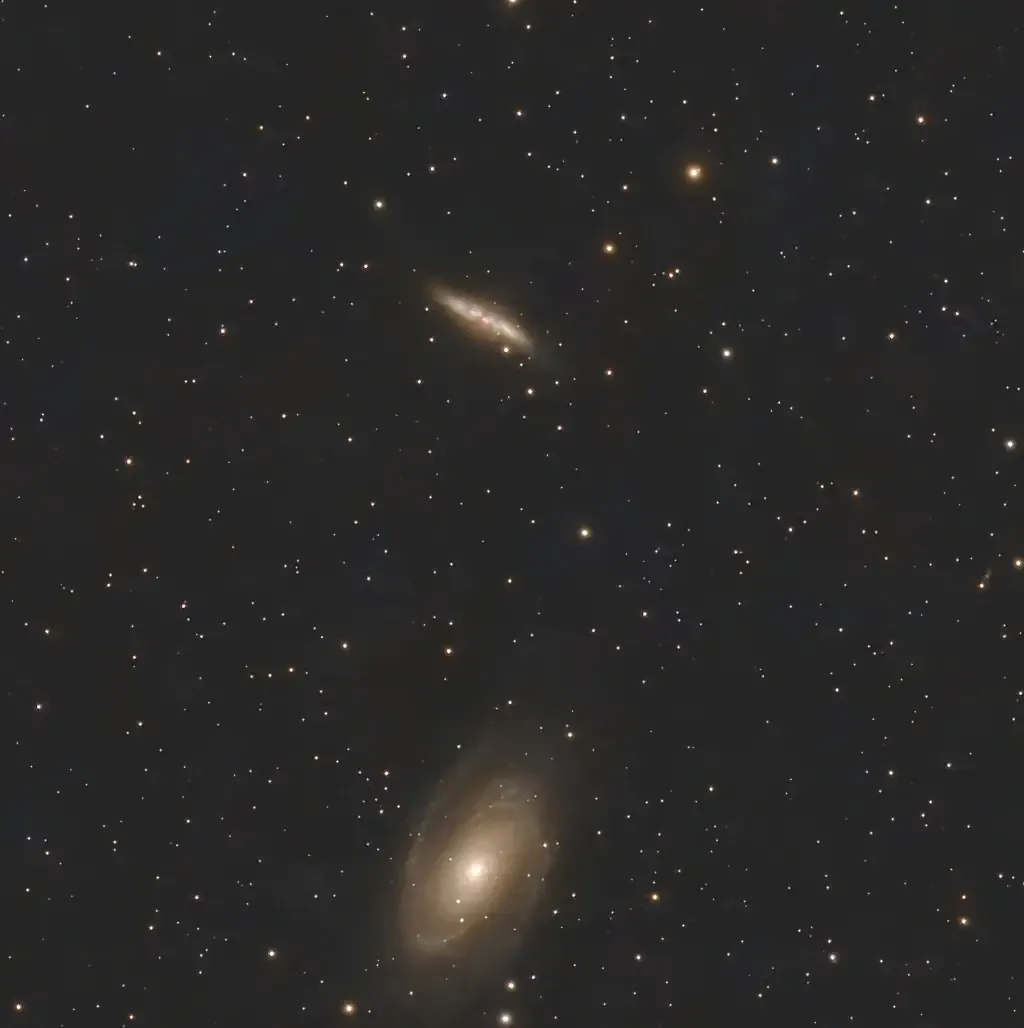
Better luck next time; clouds started rolling in for this.
Finally, the Moon:
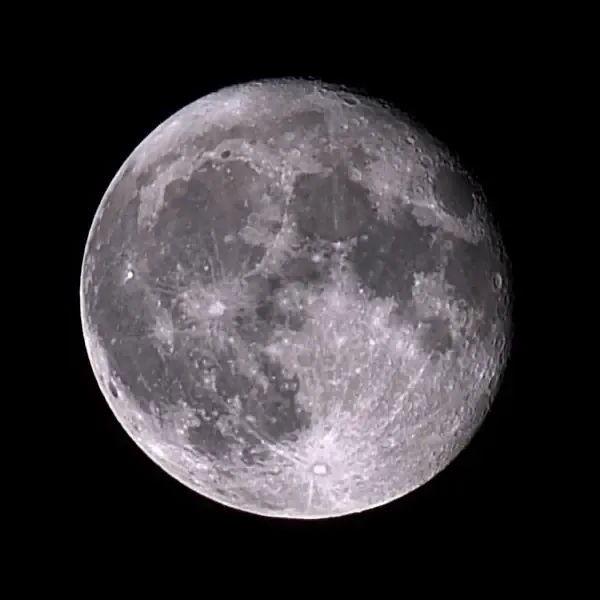
Again not very good, due to haze.